
- Platforms
- 3
- App pages
- 4
Problem
Most people don't know where their money went until it is already spent. Spreadsheets are slow to read, and many finance apps want an account, a bank login or a paid plan.
Process
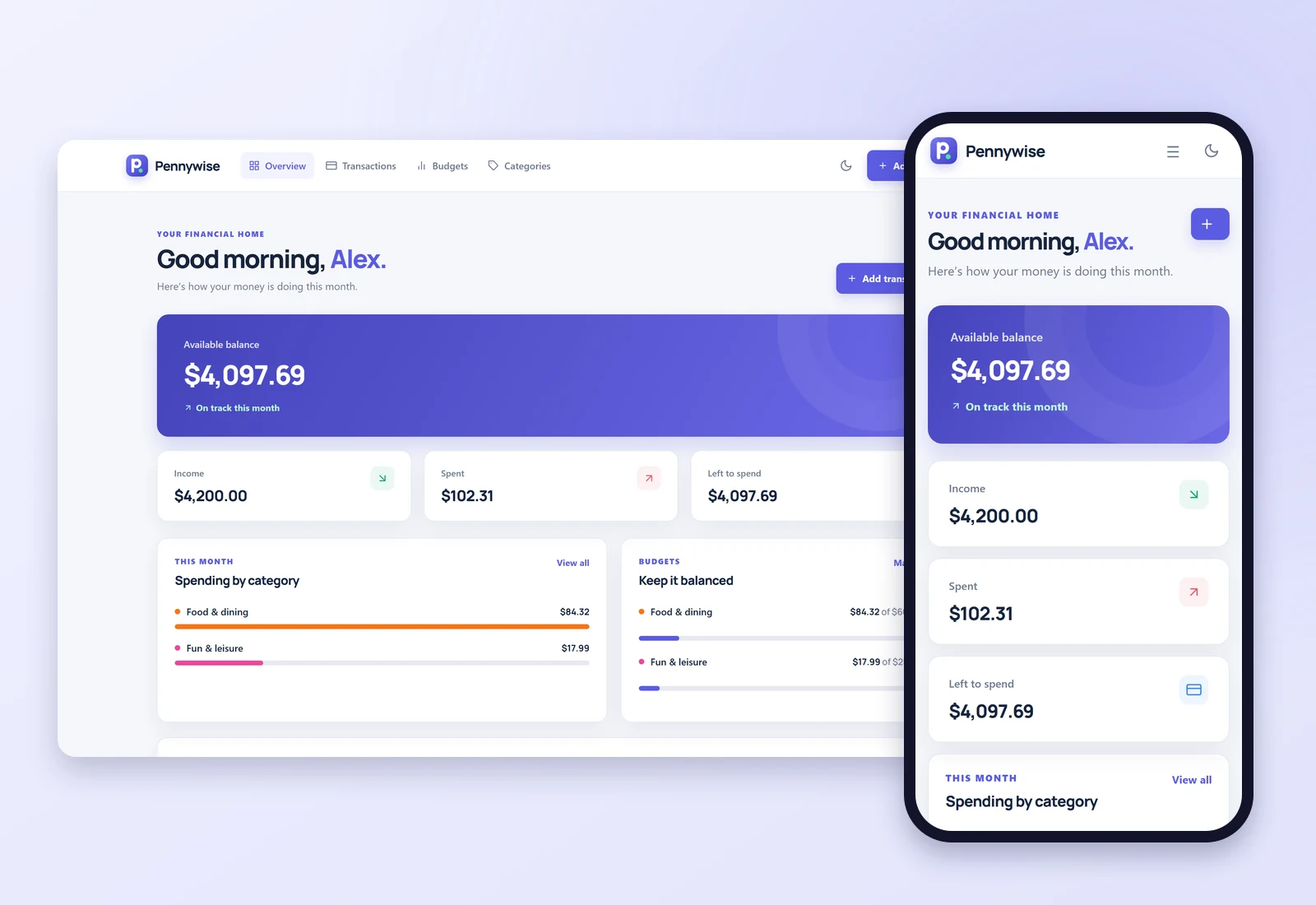
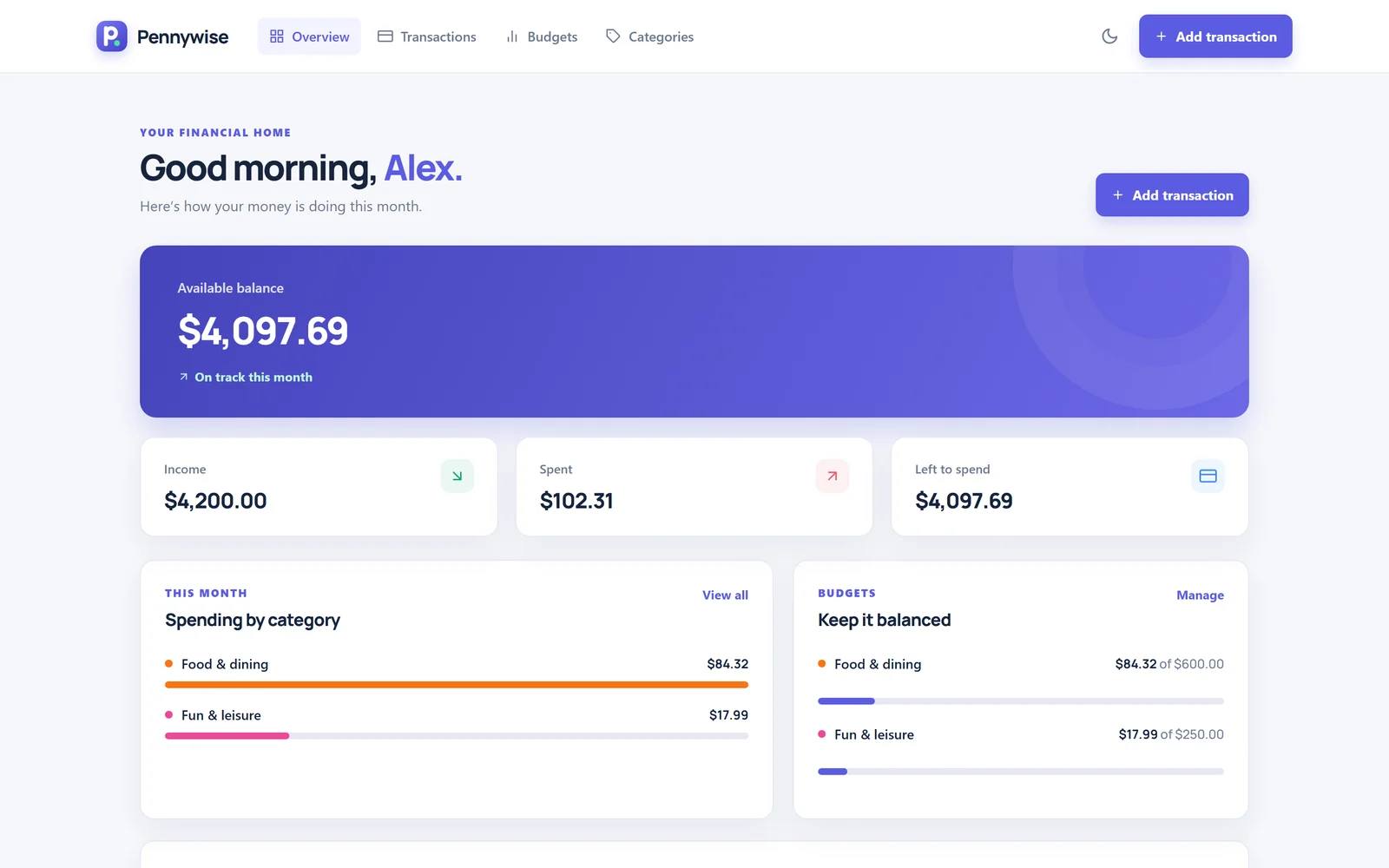
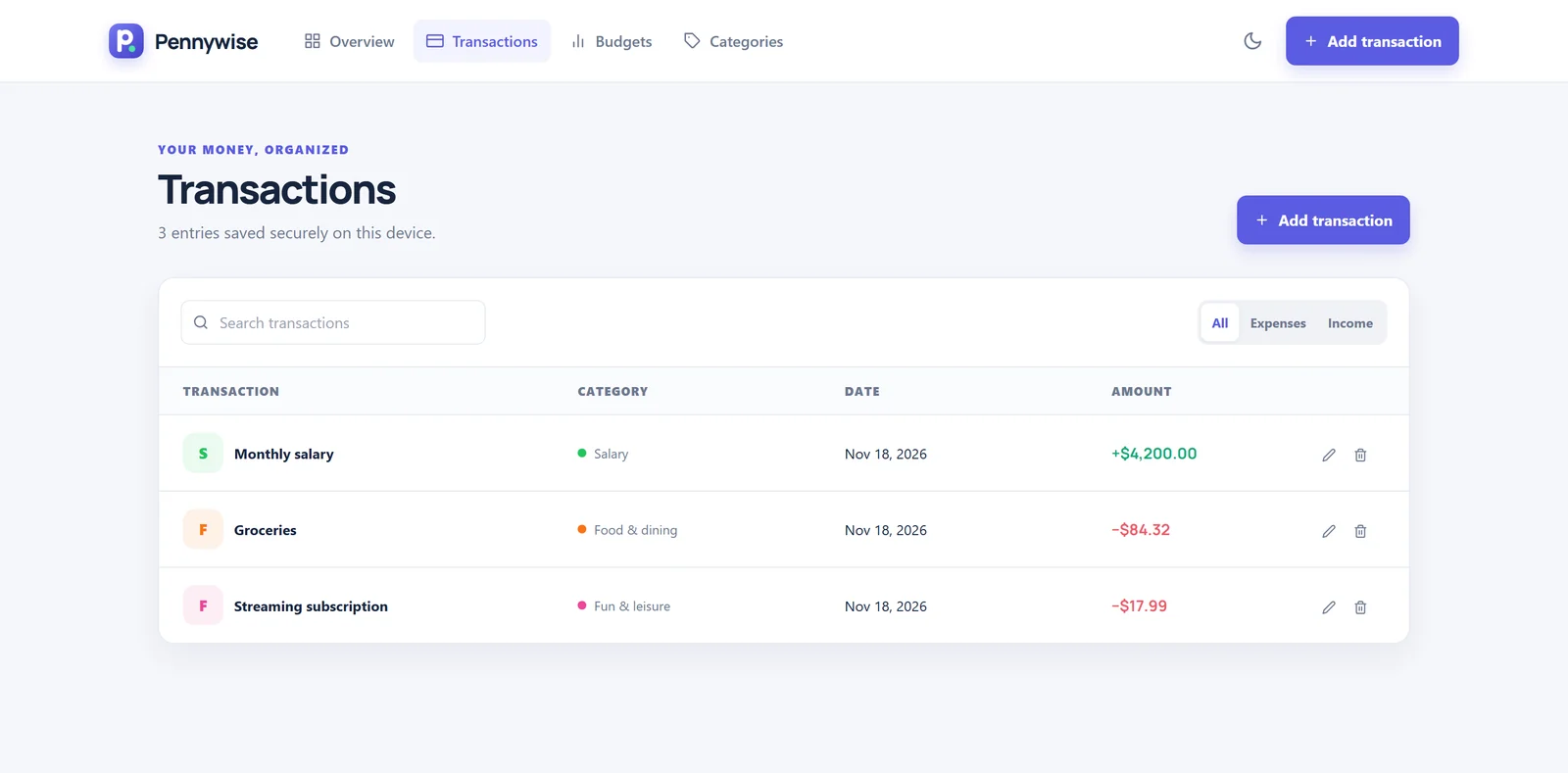
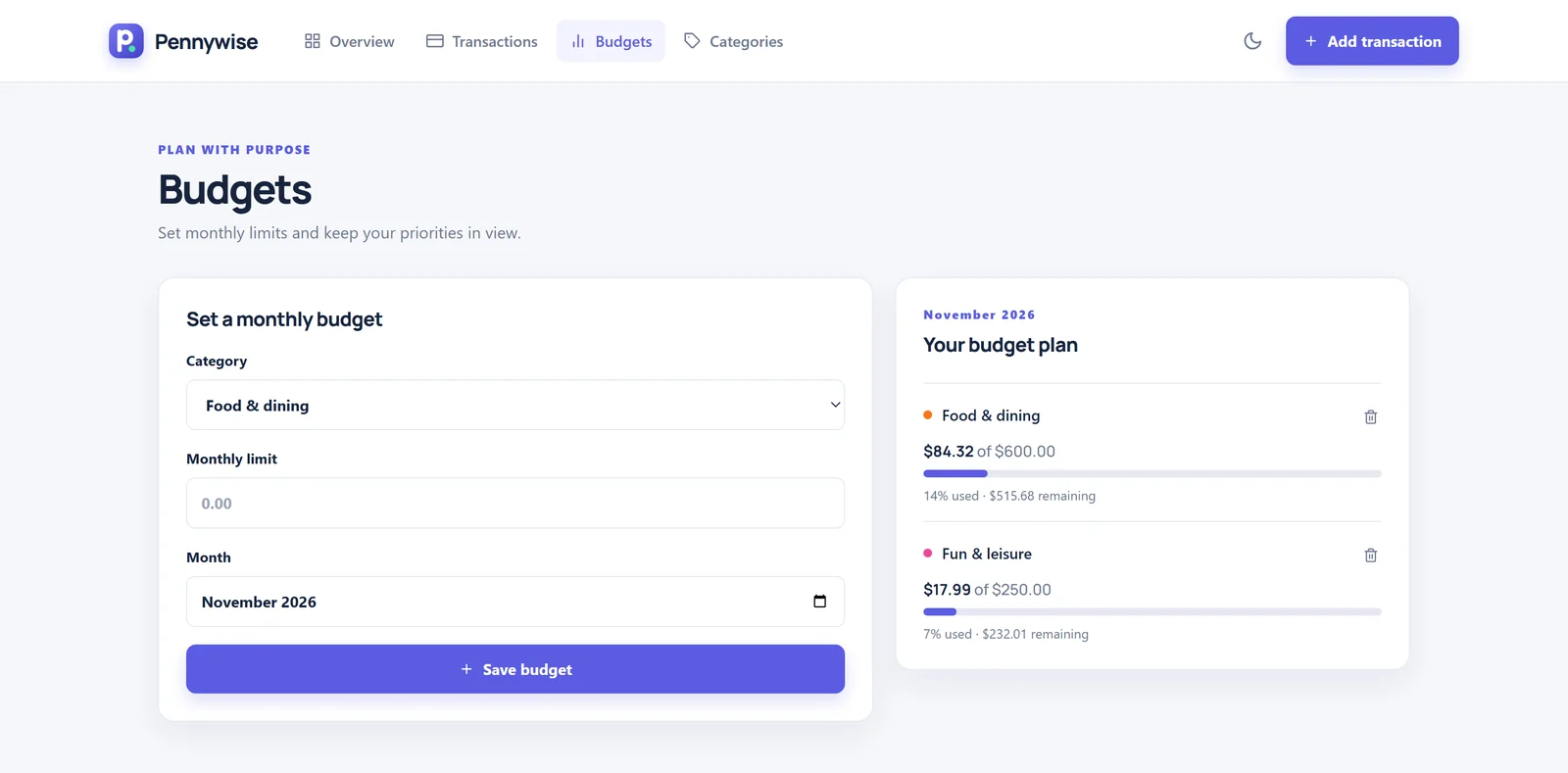
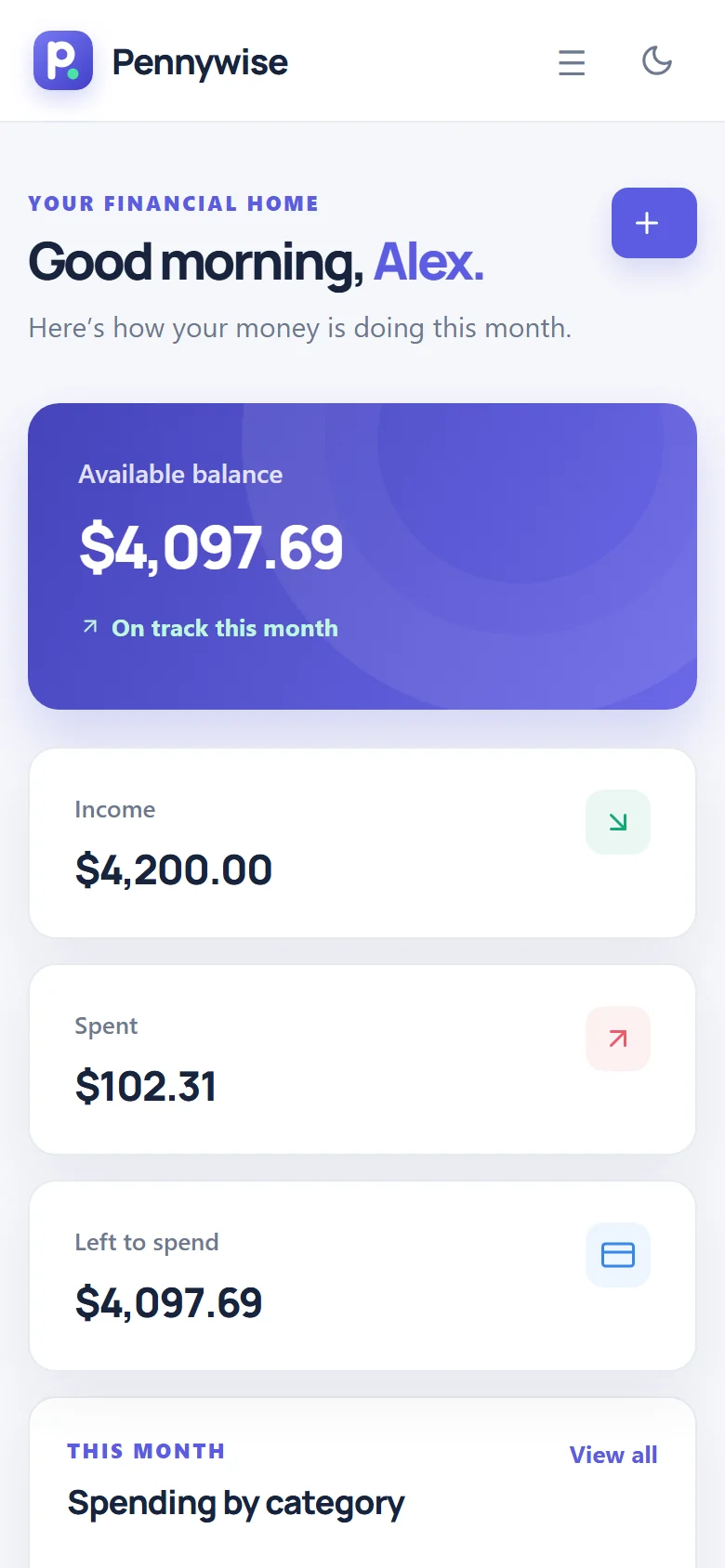
Pennywise is a React 19 app with four pages, Overview, Transactions, Budgets and Categories, switched by React Router without a reload. One React Context holds the transactions, budgets and categories for every page, and everything is saved in the browser's localStorage, so it is still there the next time the app opens. New users start with sample data, so the dashboard makes sense on the first visit.
Vite builds the web version. Electron and electron-builder package the same code as a Windows desktop app with its own installer.
Key Decisions
- Data on the device: no account, no bank connection and no server to trust, and it works offline.
- One codebase, three screens: the browser, a Windows install and a phone-sized layout.
- Ready for a backend: an Axios service layer is already written for a future ASP.NET API, so storage can move to a server without touching the pages.
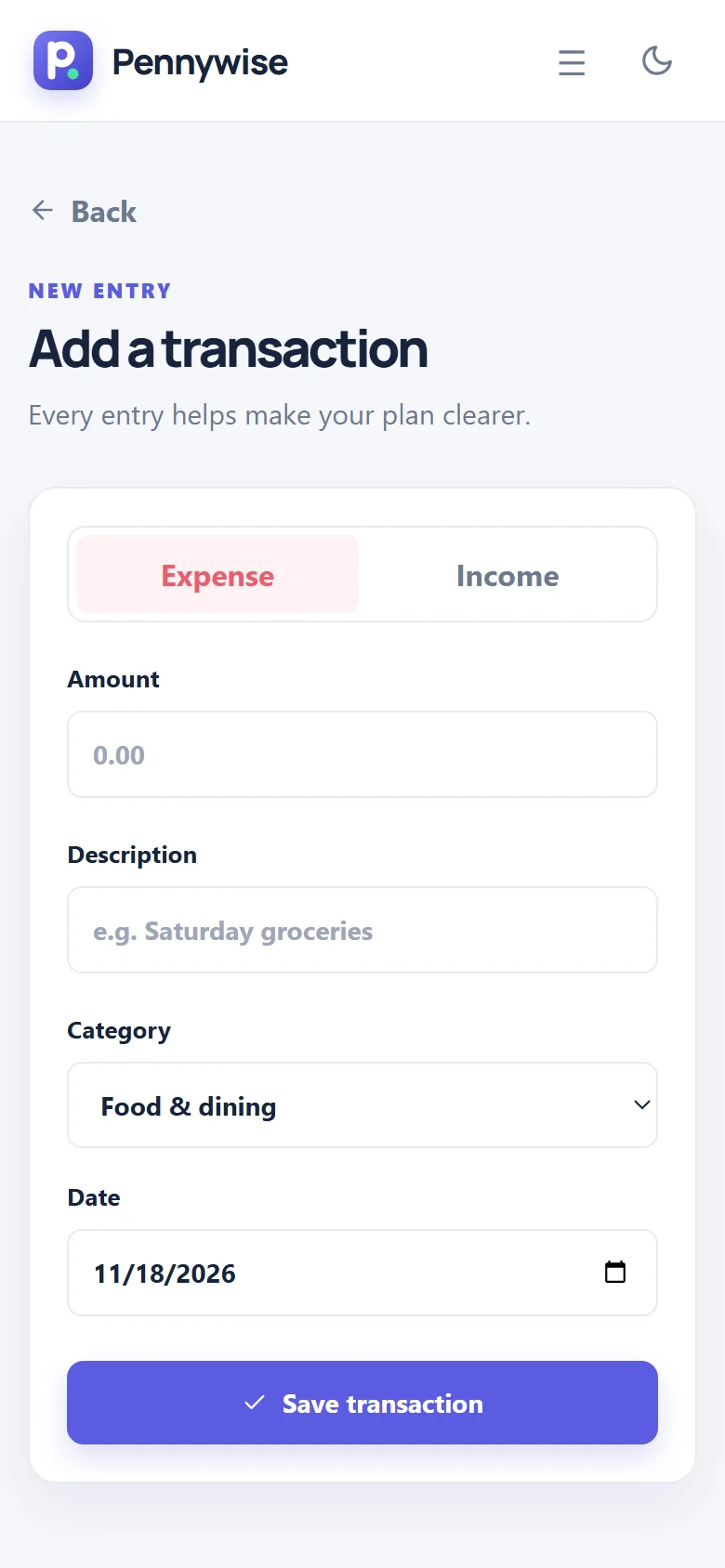
- Careful with money: forms are validated, deletes ask first, and errors are handled instead of failing silently.
Outcome
Pennywise records income and expenses, sets a monthly limit for each category with a progress bar, lets you create your own colour-coded categories, and shows balance, income, spending and recent activity on one screen, in light or dark mode, on a desktop or a phone.